
One prompt. A diagram
precise enough to ship.
Capci isn’t just another AI diagram generator: it’s a precision diagram engine. Architecture, ER, class, sequence, mindmap and timeline diagrams, with real vendor icons, clean auto-layout, animated exports, unlimited generations. Usable from the UI, a REST API, or MCP for your agents.
One-click Google sign-in · No card required
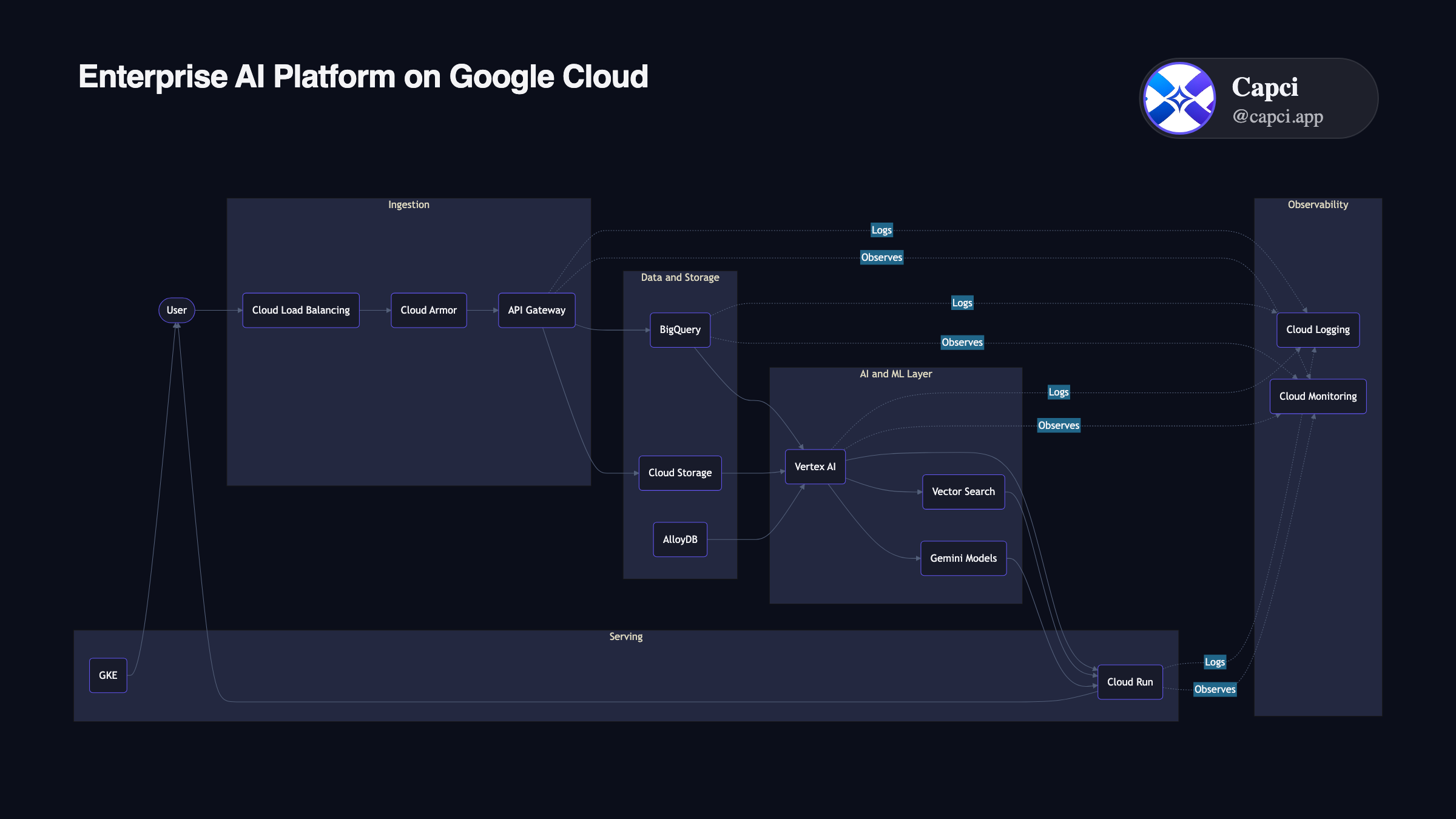
“Real-time fraud detection pipeline”: one sentence in, this out.
Every diagram a technical team actually needs
Not a single generic canvas: a dedicated engine per diagram family, all from the same one-line prompt.
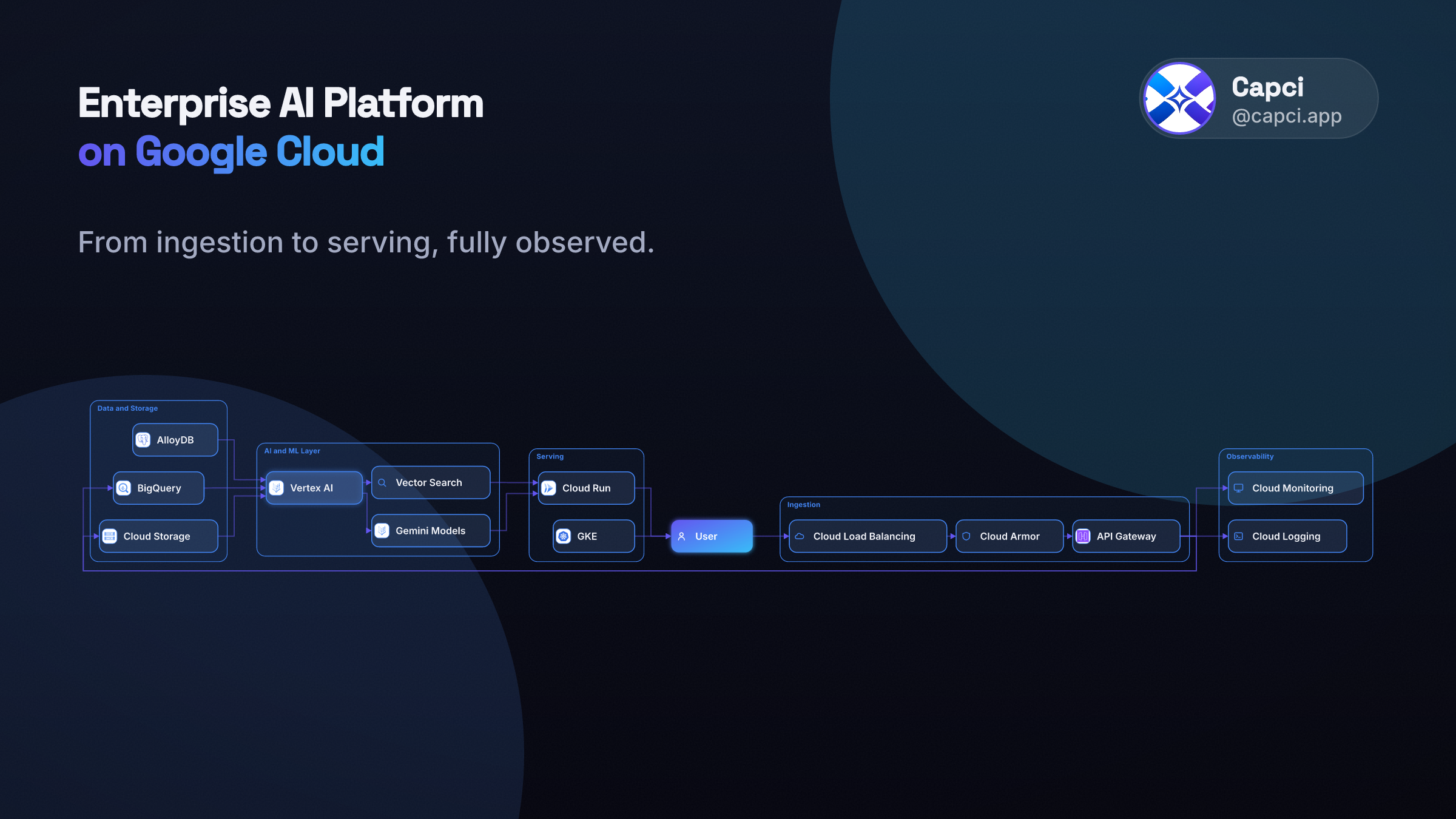
Architecture
Real GCP, AWS, Azure, Databricks and Snowflake icons, auto-grouped by layer.
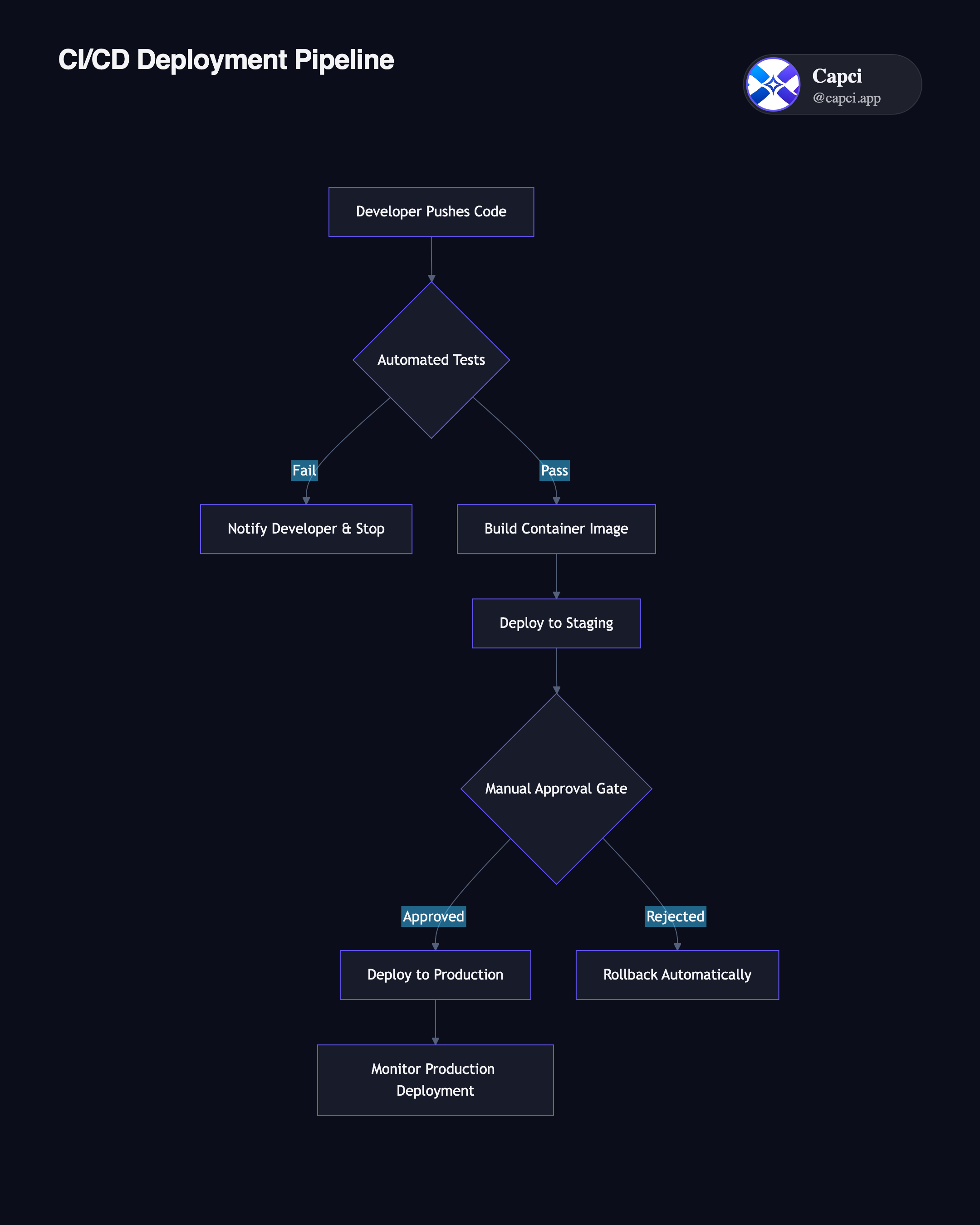
Flowchart
Process and decision flows: pipelines, approval chains, agent loops.
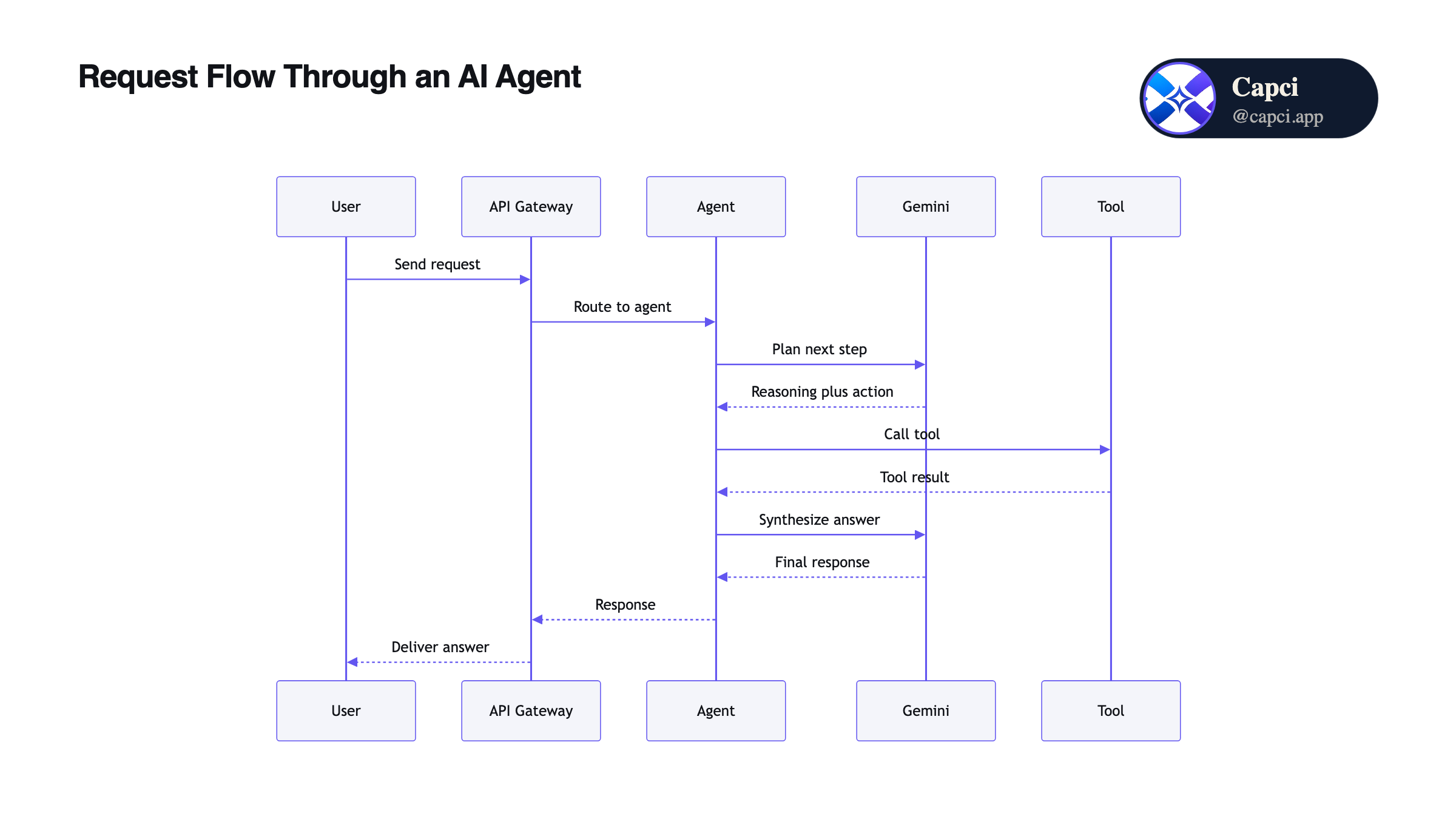
Sequence
Actor-to-actor call order: API flows, auth handshakes, service calls.
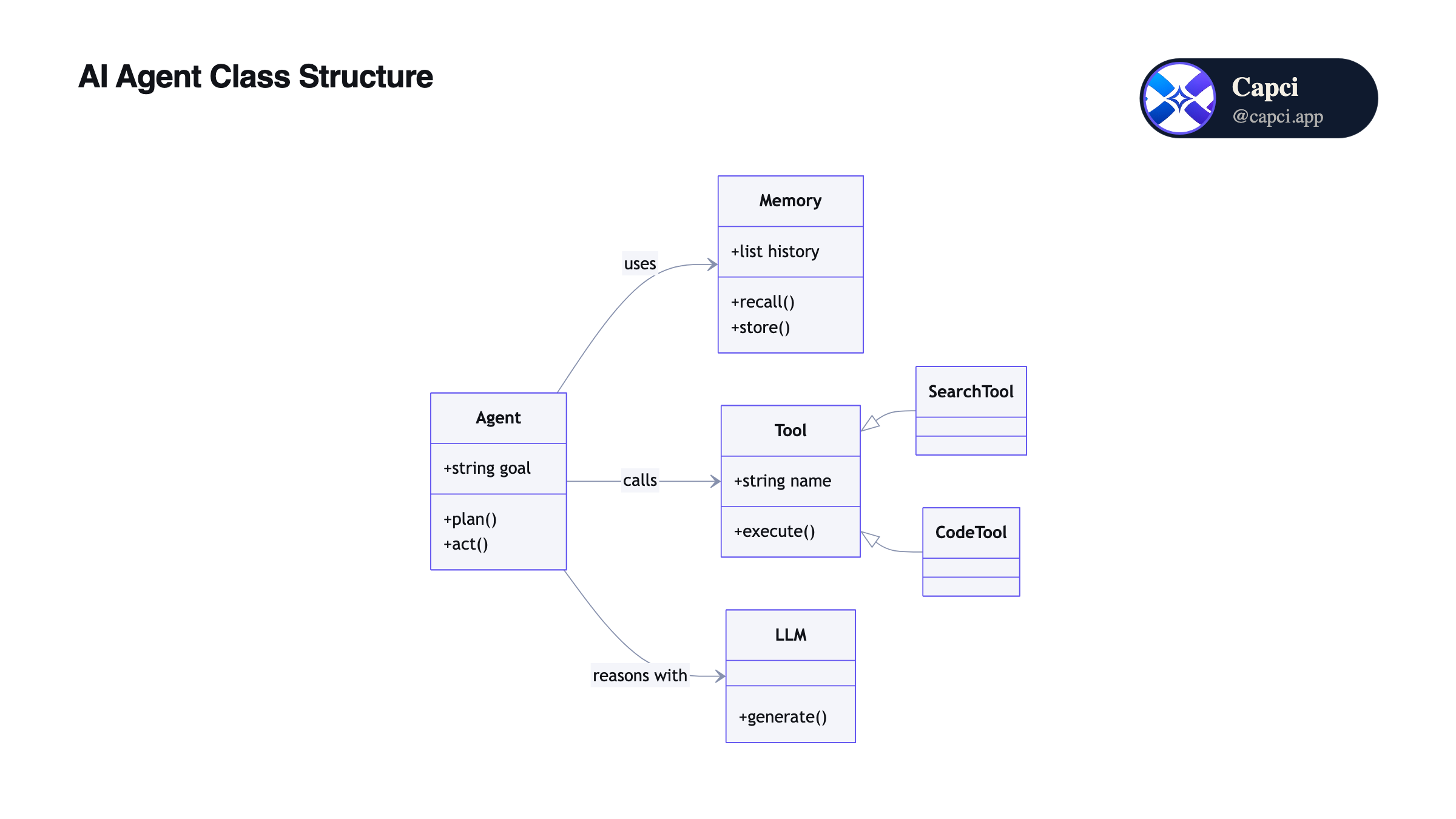
Class
Entities, attributes and inheritance for data models and codebases.
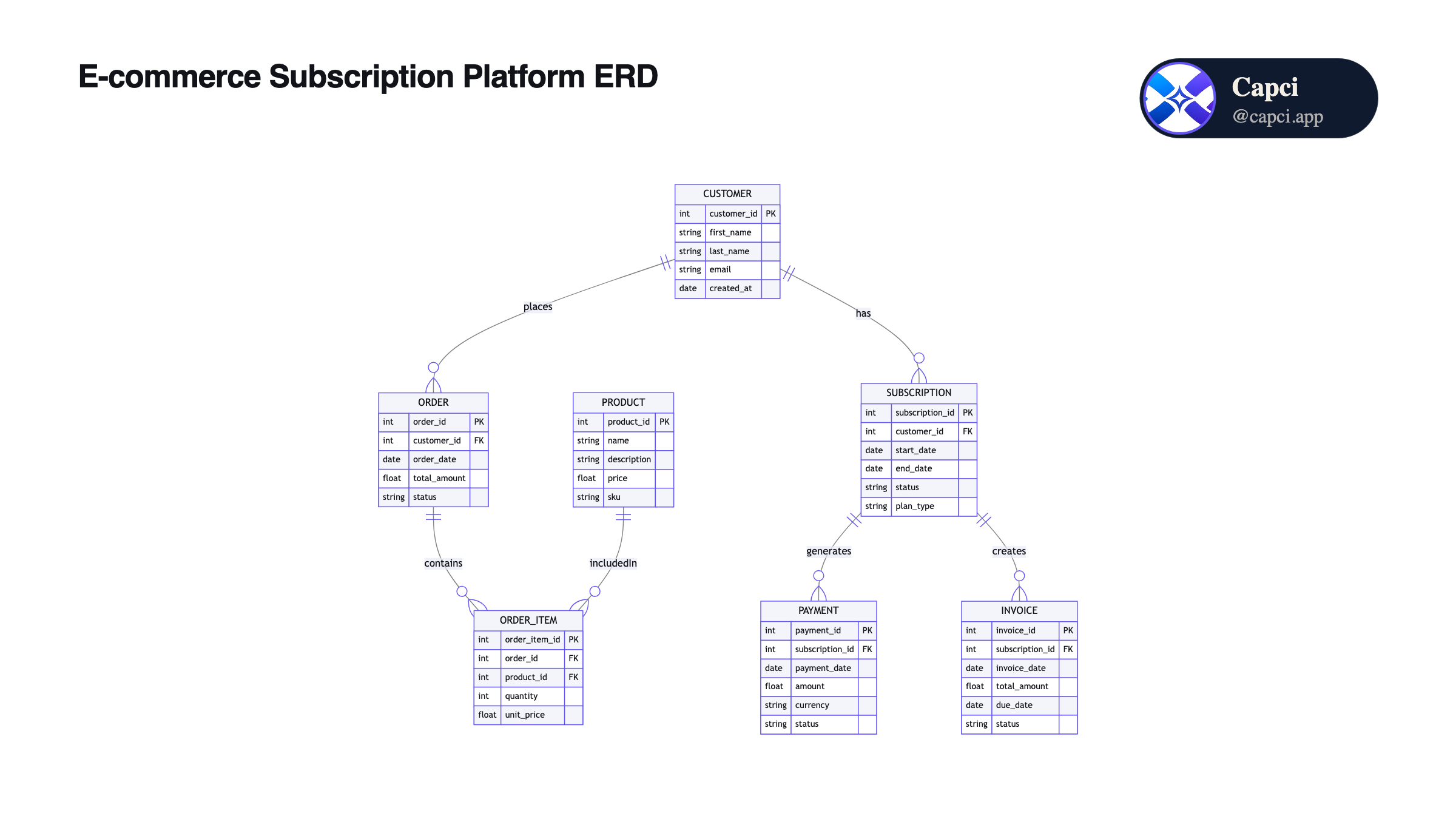
ER Diagram
Database schemas: tables, keys and relationships, laid out cleanly.
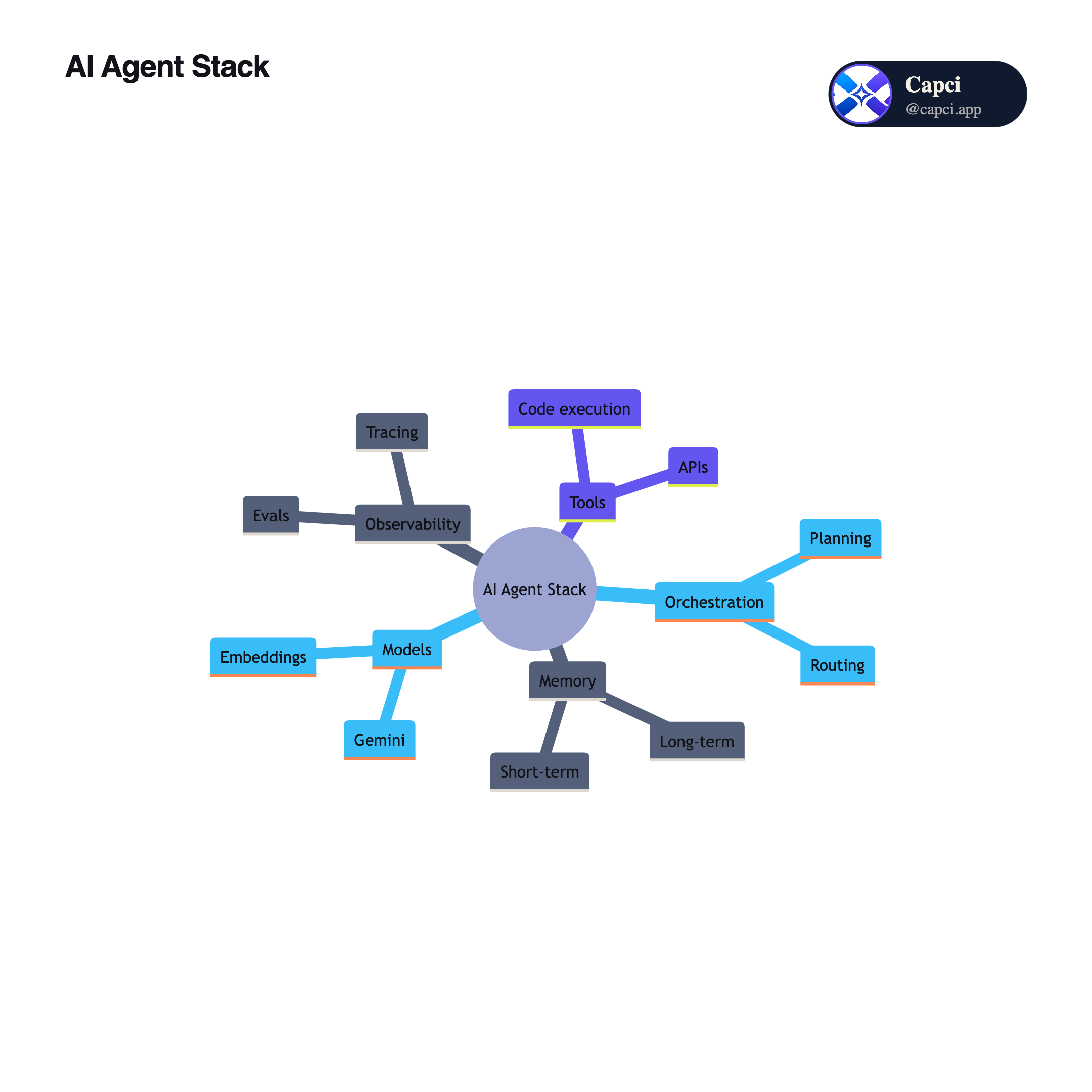
Mindmap
Radiating idea trees for roadmaps, brainstorms and topic breakdowns.
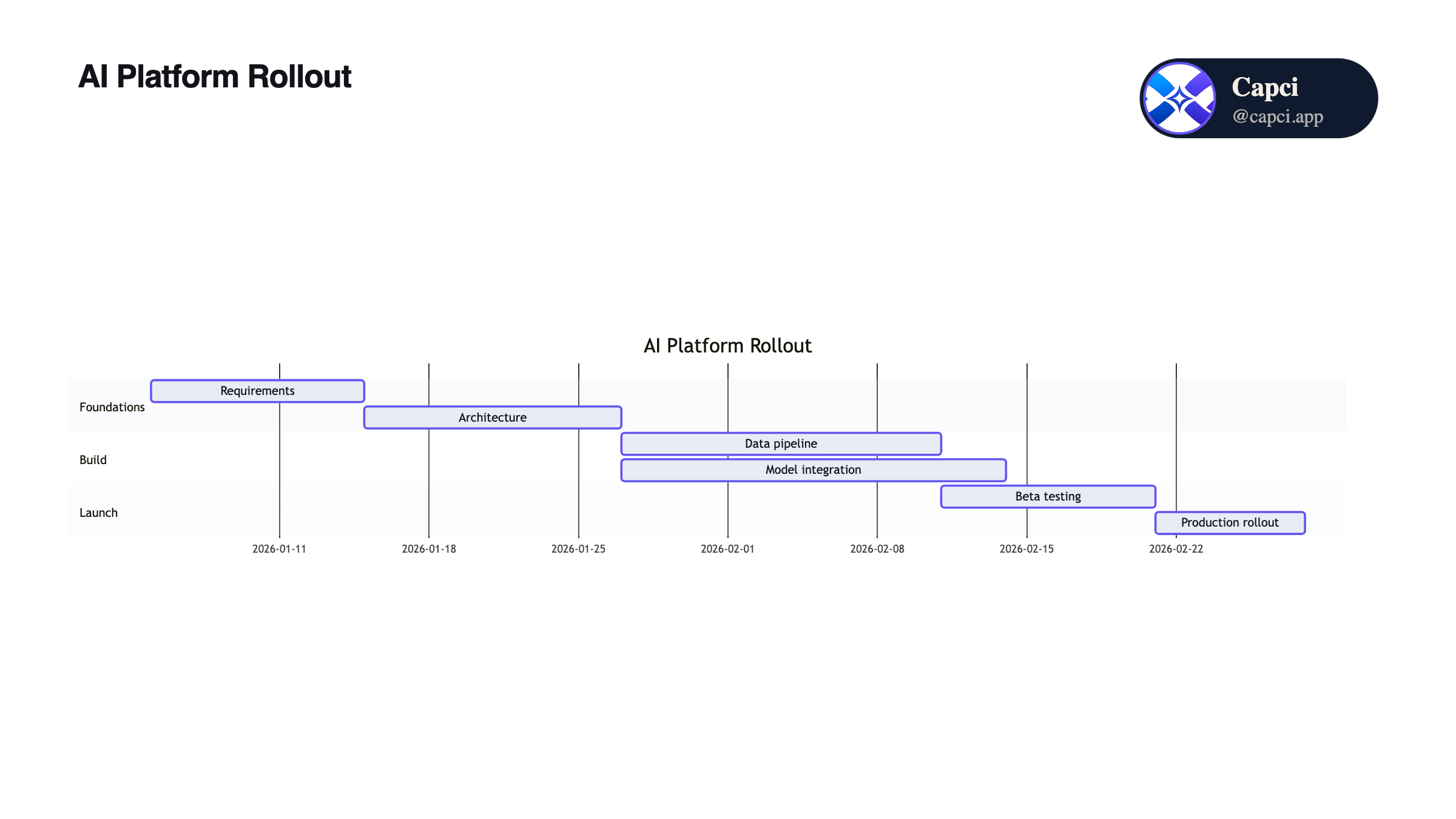
Timeline
Project timelines and milestones, generated from a plain-English brief.
One system, three layouts
Same architecture, same prompt. Switch layouts for free, any time.
Structured
Bordered pills, grouped layers: the clean, presentation-ready default.
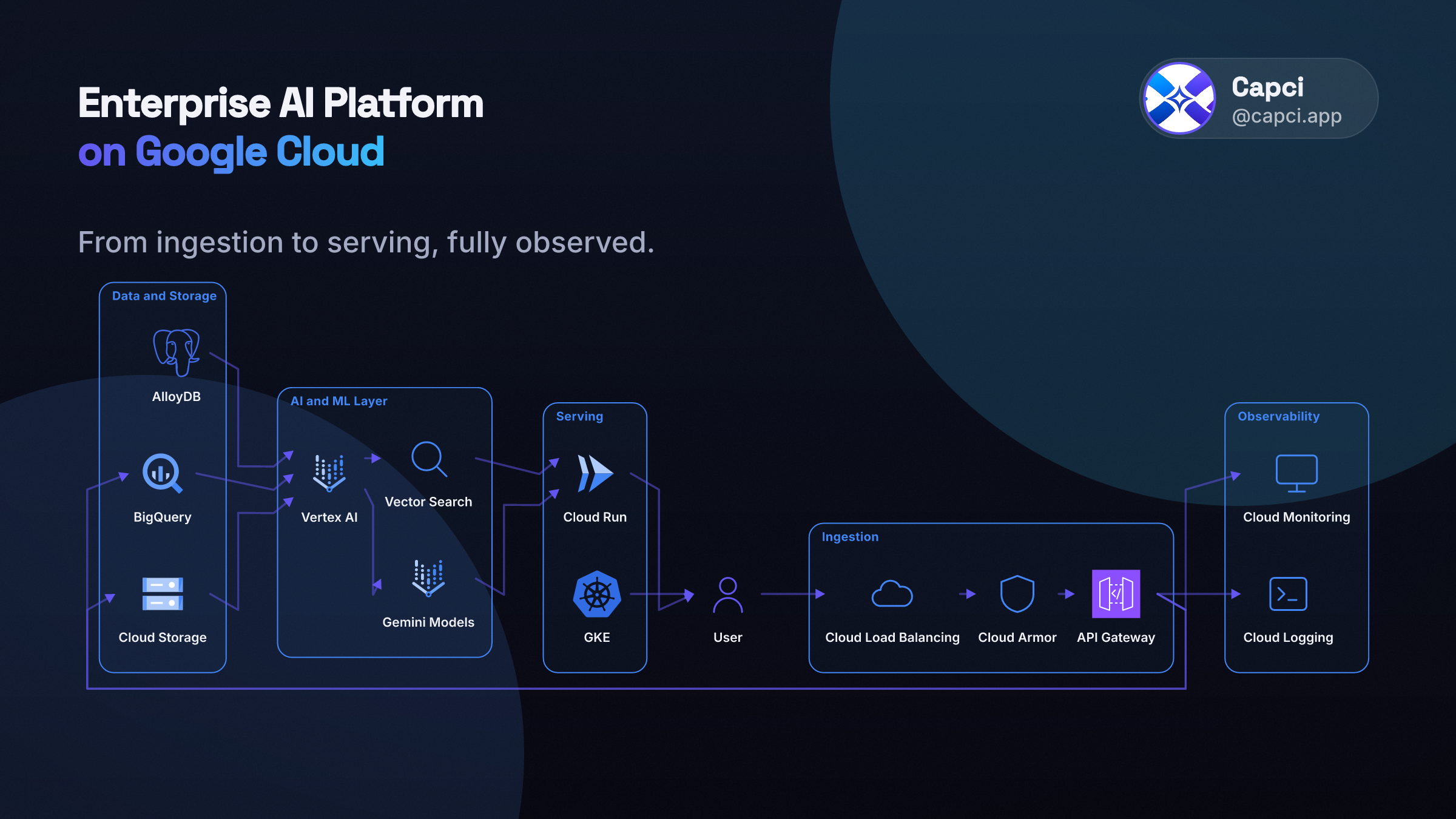
Freeform
Bigger icons, no boxes, reads more like a whiteboard sketch than a chart.
Flowchart
The same system, replotted through the flowchart engine for a different read.
Precision comes from the pipeline, not luck
Every diagram runs through the same disciplined process, regardless of how complex the system is.
Clean layout, every single time
Most AI diagram tools scatter boxes and let arrows cross wherever they land. Capci lays out every diagram with the same disciplined structure, aligned, ordered, and easy to follow, no matter how complex the system.
Nothing left to rearrange
Generate a diagram and it’s presentation-ready immediately: no dragging boxes, untangling crossed lines, or nudging labels just to make it readable.
The same result, every time
The same prompt produces the same clean diagram on every run, with no random layout drift between generations and no re-rolling until one looks right.
Capci isn’t an AI diagram generator. It’s an AI diagram engine.
A prompt goes in, but what comes out has been through a complete precision pipeline, not just sketched by a model and left as-is.
Precision, not a rough sketch
While common AI diagram tools trade accuracy for speed, Capci holds the line on both: clean, correct layouts on the first generation.
Real vendor icons
The actual GCP, AWS, Azure, Kubernetes and Databricks marks, not generic shapes standing in for them.
Unlimited generations
Restyle, refine and regenerate as many times as you need: unlimited on paid plans, no per-diagram fee.
Native MCP tools
Give your AI agent direct diagram tools (create, refine, animate) with no custom integration to build.
A real REST API
Script it into your own pipeline and generate diagrams the moment you ship, not the moment you remember to.
Cost-effective by design
No per-seat design tool, no hiring a designer for every diagram: one flat plan covers unlimited output.
5,000+ real vendor icons, not generic boxes
Every architecture diagram uses the actual product mark for the tool you named, across every major cloud, plus the open-source and SaaS stack underneath it.
A diagram that plays itself out
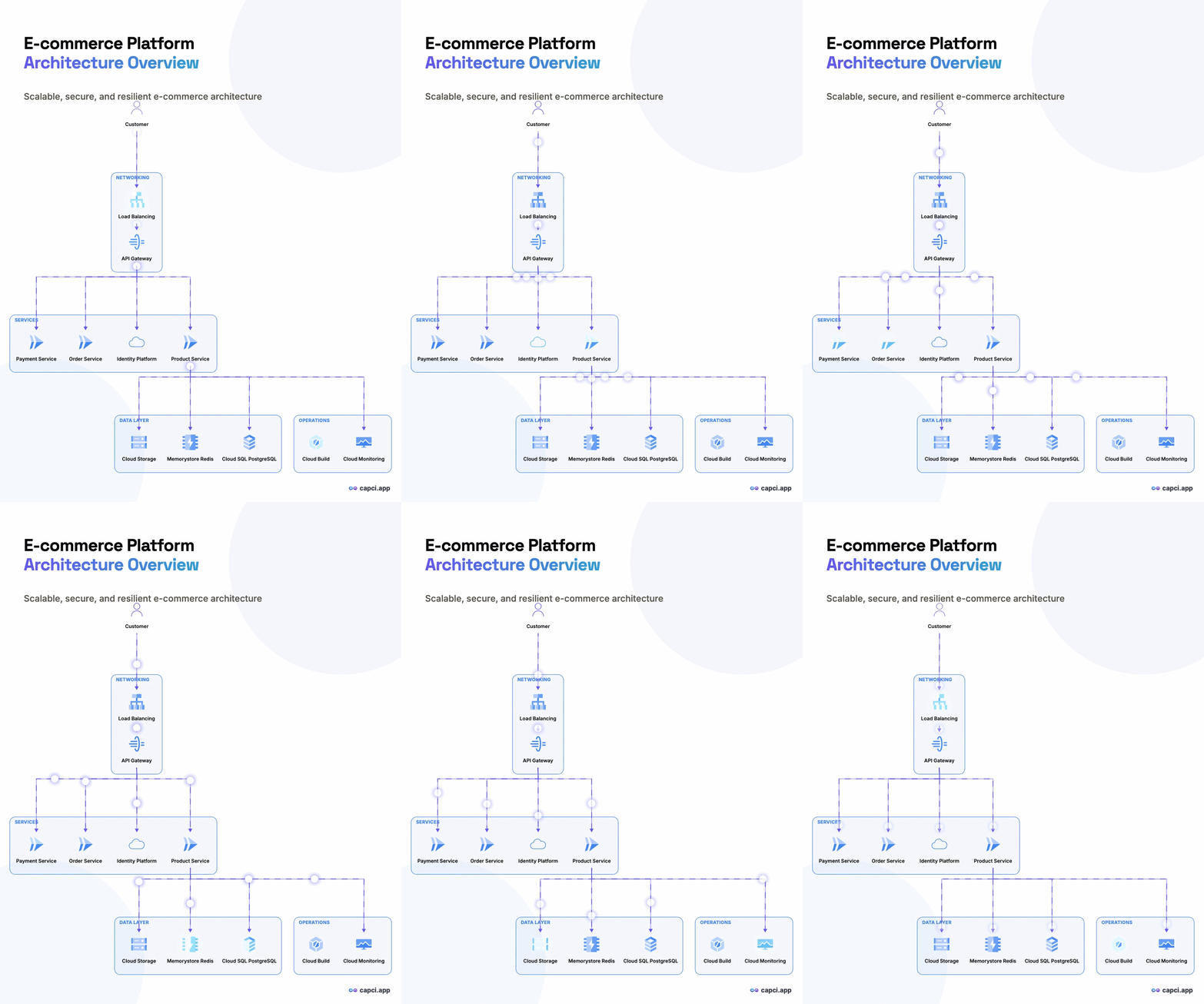
Flow-style diagrams export with traveling pulse dots that move along each edge toward the arrowhead: a seamless, theme-adapted loop, not a static picture. Every other diagram type gets a layer-by-layer reveal animation instead. Same prompt, static PNG or animated GIF, your choice at export time.
Three steps to a diagram
Describe the system
“RAG pipeline on GCP: Cloud Run, Vertex AI, pgvector, a Next.js frontend.”
AI plans, the engine draws
Correct icons, grouped layers, precise layout: consistent, not a guess.
Pick a layout & export
Structured, freeform or flowchart: static PNG or an animated, seamless-loop GIF.
A diagram tool your AI agent can call
Don’t click through a studio every time. Generate and refine diagrams straight from your own scripts, or give an agent a native tool for it.
REST API
A session-based /api/v1/diagrams flow: create, refine and export across all seven diagram types, plus an animate endpoint for GIF exports. Black-box by design: you get an id, not diagram code to manage.
MCP server
create_diagram, refine_diagram and animate_diagram as native tools. Plug it into an ADK, LangGraph or any MCP-compatible agent and let it draw its own architecture.
Questions about the diagram engine
What is a text-to-diagram generator?
A tool that turns a plain-English description into a real, laid-out diagram instead of you dragging boxes and arrows by hand. Capci’s AI plans the structure (nodes, groups, connections) and its diagram engine draws it, so the same prompt always produces a clean, consistent result.
Does Capci have a diagram API?
Yes. A public, session-based REST API (`POST /api/v1/diagrams`) covering create, refine and export across all diagram types, plus an animate endpoint for GIF exports. It’s black-box across both render engines: you never see or manage the underlying diagram code, just the session id. Included on the Developer plan.
Can I connect an AI agent to Capci’s diagram tool via MCP?
Yes. A remote MCP server exposes `create_diagram`, `refine_diagram` and `animate_diagram` as native tools, so an agent (built on Google ADK, LangGraph or any MCP-compatible framework) can generate and iterate on diagrams directly, authenticated the same way as the REST API.
What diagram types does Capci support?
Seven: Architecture (with real GCP/AWS/Azure/Databricks/Snowflake icons, in Structured, Freeform or Flowchart layouts), Flowchart, Sequence, Class, ER, Mindmap and Timeline, all from the same one-line-prompt workflow.
Can diagrams be exported as animated GIFs?
Yes. Any diagram can export as a static PNG or an animated GIF. Flow-style diagrams get traveling pulse dots along each edge toward the arrowhead, seamlessly looping and colour-adapted to your theme; every other diagram gets a layer-by-layer reveal animation.
How is Capci different from a generic flowchart or whiteboard tool?
Generic tools give you shapes and let you place them. Capci is an AI diagram engine, not a canvas: it makes the layout decision for you, running every diagram through the same precision pipeline so it comes out clean, ordered and ready to ship, not something you have to tidy up by hand.
Your system deserves a diagram, not a screenshot of a whiteboard
Seven diagram types, real vendor icons, precise layout: free to start, callable by your own agents too.